Mailfront Chat
The chat for your business email
Talk directly to customers, partners and service providers – started from your mailbox, answered in the browser. No extra tool and no account needed for the other person.
Already a customer? Open chat
What the chat can do
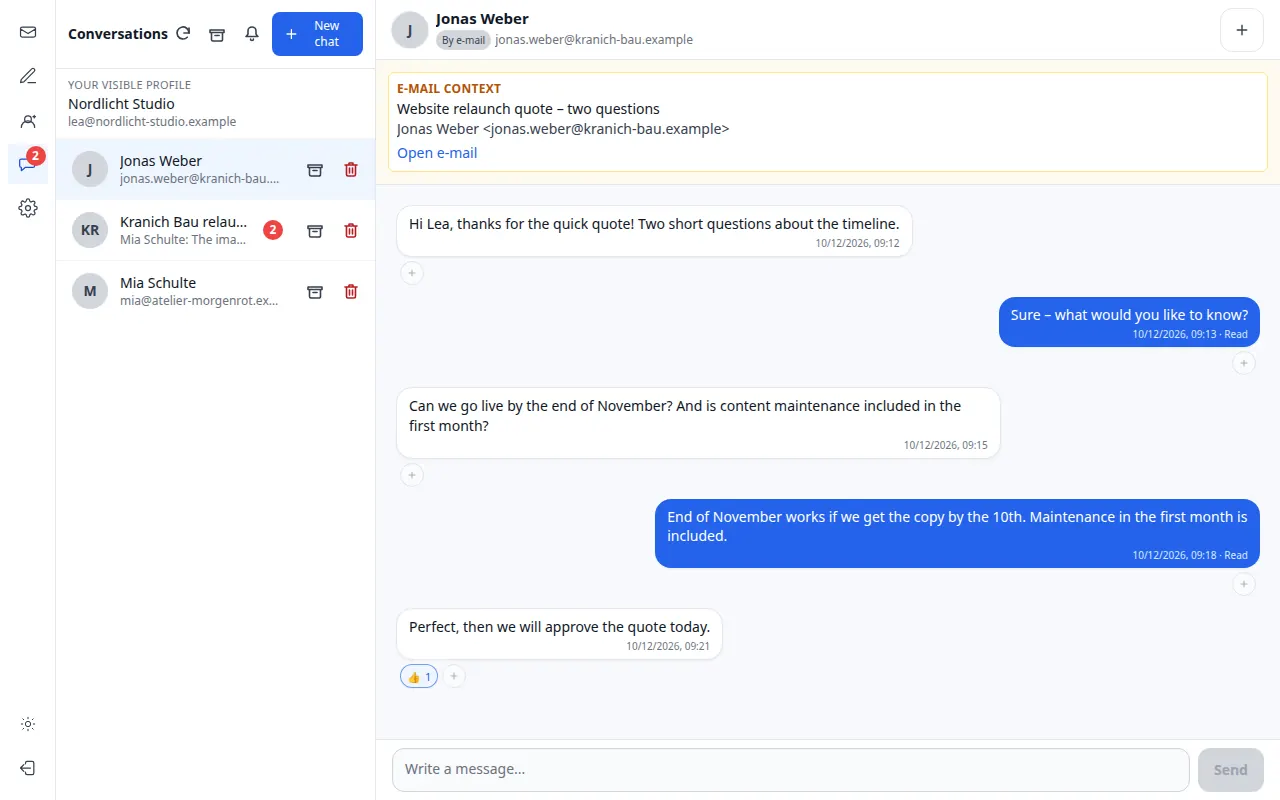
Direct chat
One conversation per contact – shown with name and email address so contacts with the same name stay distinct.
Group chat
Use “+” in a direct chat to create a new group. Internal profiles and external addresses can be added and removed.
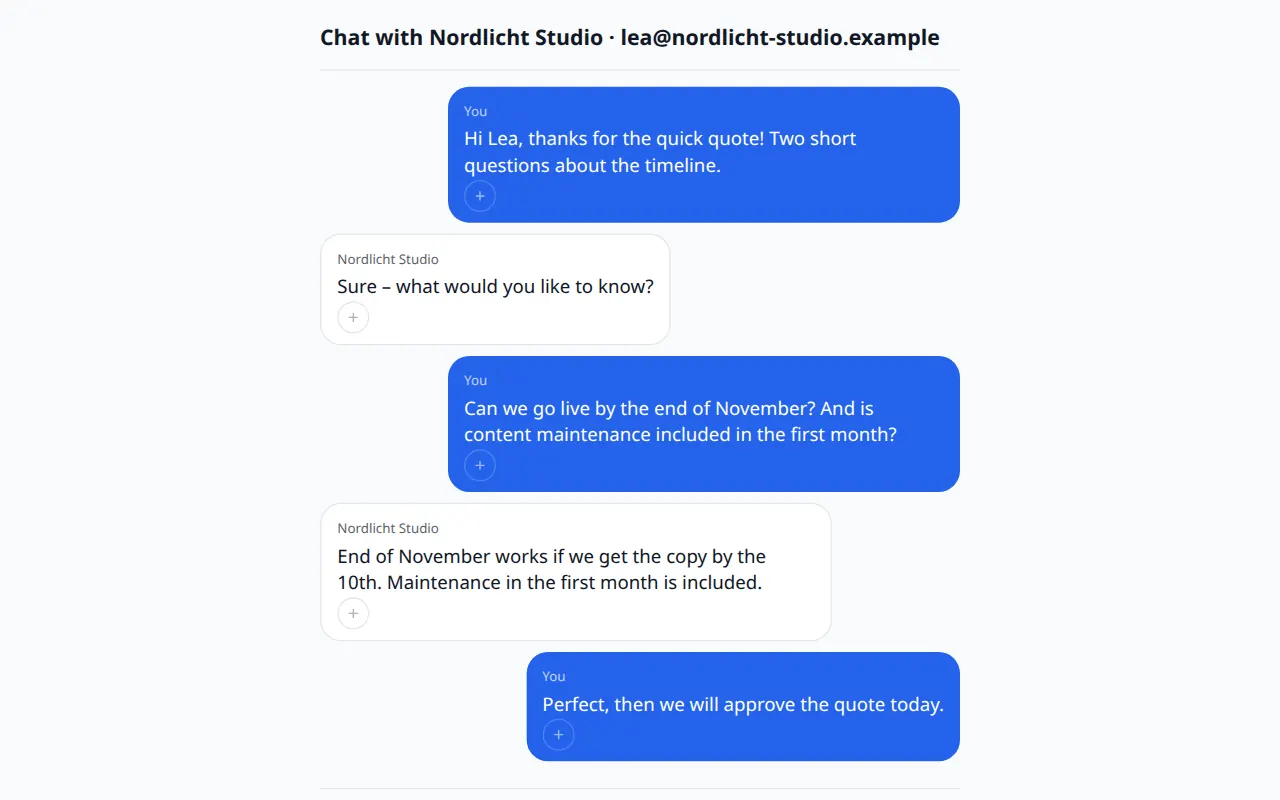
External invitation
People without a Mailfront account receive a notification from chat@notify.mailfront.biz with a personal link and reply in the browser.
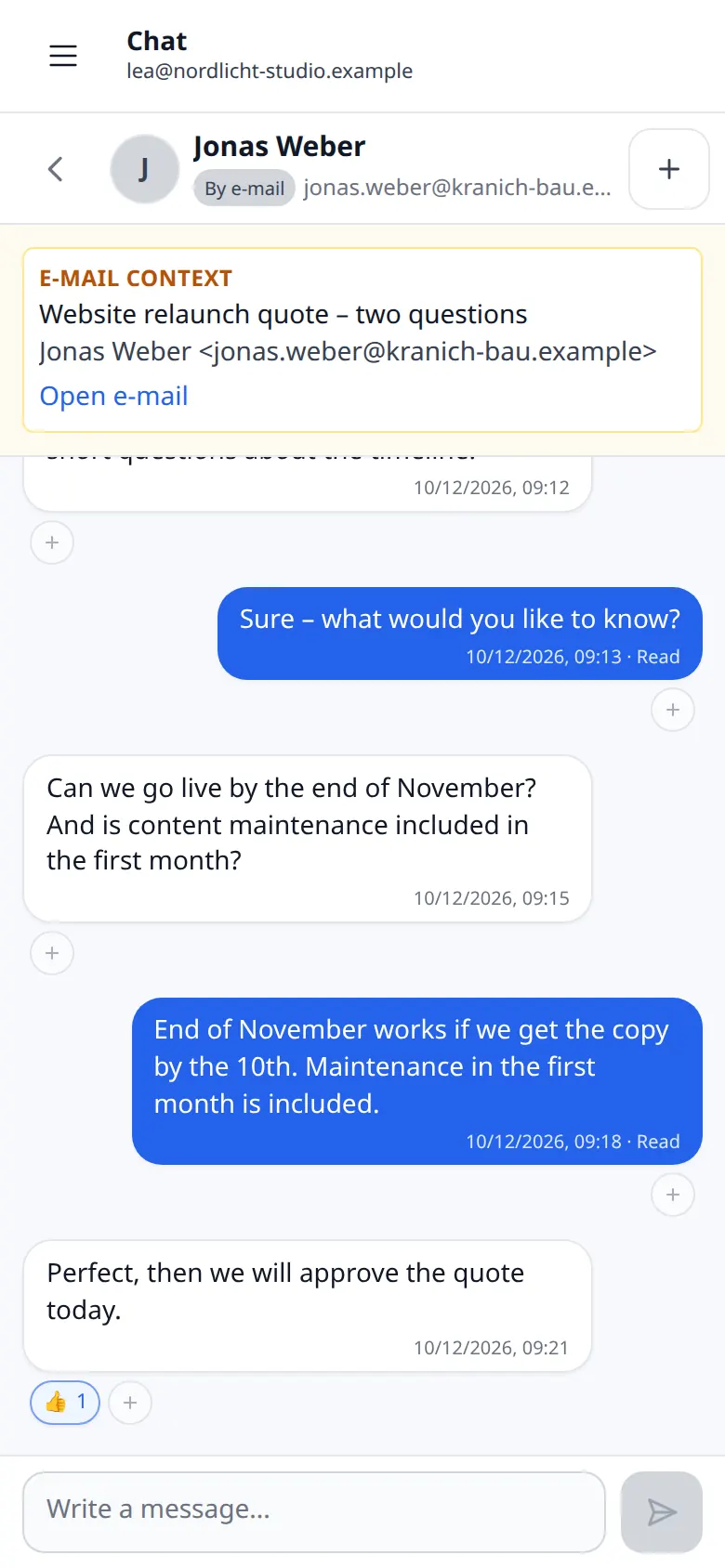
Email context
“Discuss in chat” links the email to the chat. Participants without mailbox access see the chat, but not the email.
Private conversations
The main account and every mailbox login have separate chats. There is no feature that lets admins read other people's chats.
Notifications
Counters and notices in webmail and the panel, push on devices you allow, email for external participants – with unsubscribe.
Installable as an app
Webmail and chat can be installed as a Progressive Web App on smartphones and desktops.
Message features
Delivery and read status, reactions, editing and retracting within 15 minutes, images and files up to 10 MB in internal chats.
Archive and delete
Archiving only hides a chat for you. Permanent deletion removes messages, attachments and links for everyone – after explicit confirmation.
“Discuss in chat” – step by step
How an email becomes a conversation without handing out mailbox permissions.
For an incoming email
The external sender is suggested as chat partner. You confirm, Mailfront opens the chat and links the email.
For a sent email
You choose exactly one recipient. A group is only created when you deliberately set one up.
Invitation
The other person receives a short notification without chat history and without attachments – with a link valid for 24 hours.
Reply
They reply on the chat page in the browser. Every further notification again contains a valid link.
Direct customers and resellers
Chat is included in both packages. The differences are profiles and the directory.
- Direct and group chats, external invitations
- Direct customer: Yes
- Reseller: Yes
- Private chats per login
- Direct customer: Yes
- Reseller: Yes, per staff member
- Visible profile
- Direct customer: One shared customer profile (name or company plus main address)
- Reseller: Individual staff profiles possible
- Internal staff directory
- Direct customer: No
- Reseller: Yes, only within the same reseller
- Setup
- Direct customer: Immediately after sign-up
- Reseller: We currently set up staff profiles together with you
| Feature | Direct customer | Reseller |
|---|---|---|
| Direct and group chats, external invitations | Yes | Yes |
| Private chats per login | Yes | Yes, per staff member |
| Visible profile | One shared customer profile (name or company plus main address) | Individual staff profiles possible |
| Internal staff directory | No | Yes, only within the same reseller |
| Setup | Immediately after sign-up | We currently set up staff profiles together with you |
Good to know
- External people cannot start a chat themselves. They reply in conversations they were invited to.
- Invitation links are valid for 24 hours and bound to one person and one conversation.
- Email context does not grant mailbox permissions. Anyone without access to the mailbox does not see the linked email.
- On the external chat page, only text messages are currently possible. Internal chats support attachments up to 10 MB per file.
- Messages are transmitted encrypted (TLS) and stored on servers in Germany. There is no end-to-end encryption.
- New messages usually appear immediately. Real-time delivery is not guaranteed; email notifications are briefly bundled.
Questions about chat
How do I chat with people who have no Mailfront account?
Enter their email address or choose “Discuss in chat” on an email. The person receives a notification email with a secure link and replies in the browser – no account and no app needed.
How long is a chat link valid?
An invitation link is valid for 24 hours and bound to exactly one person and one conversation. Every new notification again contains a valid link.
Who can read my chats?
Only the participants of a conversation. The main account and every mailbox login have separate, private chats. There is no feature that lets administrators view other people's chats.
How am I notified about new chat messages?
In webmail and the panel you see new messages and counters directly. If you allow it, you get push notifications in the browser or the installed app. External participants receive a notification email.
Try chat and email together
14 days free, no payment details. After that €1.00 per domain and month, VAT included.